

The Productivity Tax: Why Your Browser May Be Working Against You
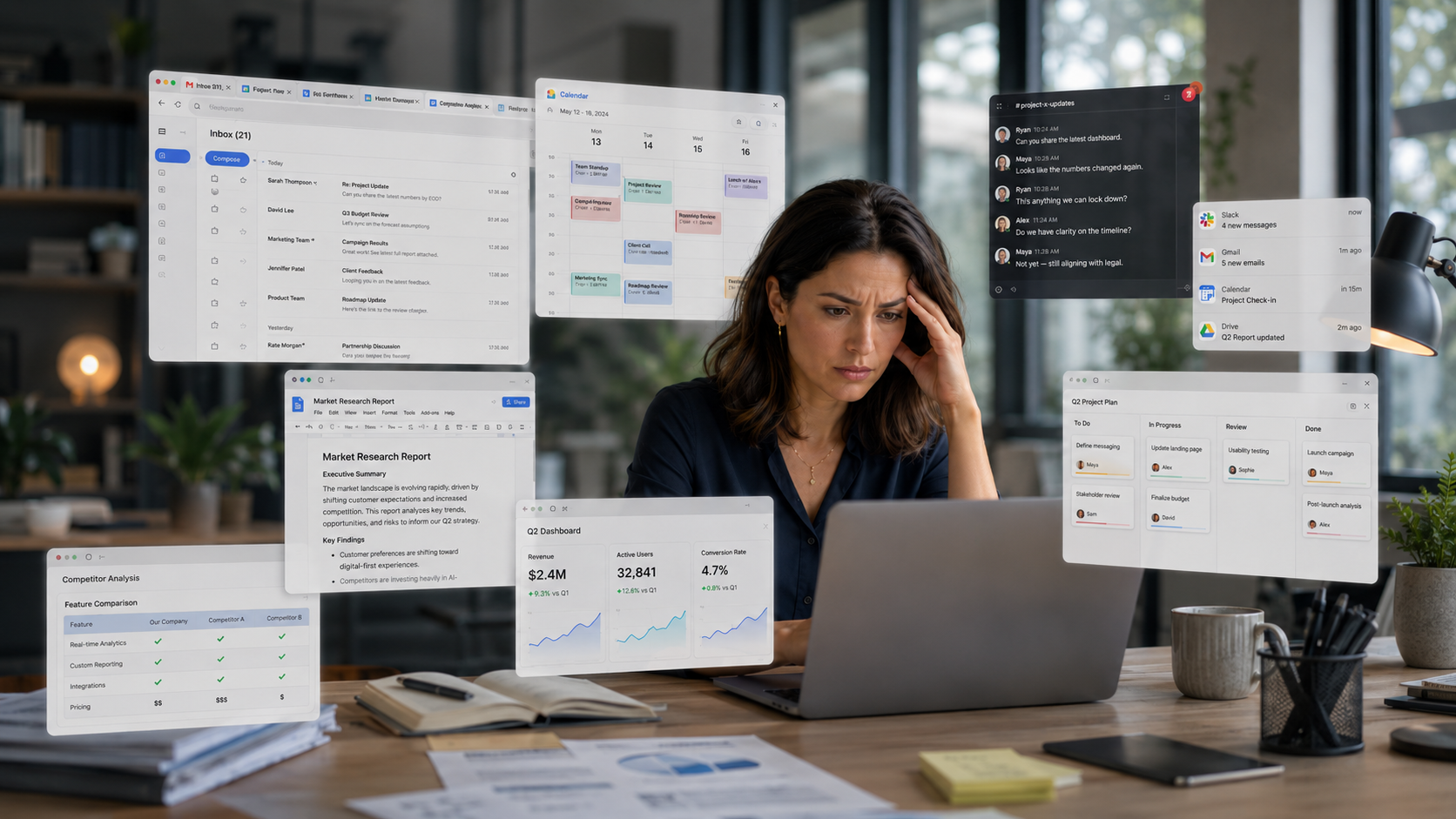
For most professionals, the workday no longer moves in a straight line.
We jump from Slack threads to emails, from project management tools to research tabs, from draft documents to dashboards. One minute you may be responding to a media request, checking your calendar, reviewing a go-to-market deck, or trying to remember which tab held the thing we needed five minutes ago.
This is not just “being busy.” This is what happens when you get lost in a sea of tabs and context.
And while it's easy to blame ourselves for feeling scattered and distracted, the real issue may be the environment we are working in. For many of us, the browser has become the center of the workday, but it was never really designed to support the way modern professionals work.
It was designed to open pages.
But today, we need it to organize our thinking.
That gap creates what I think of as the productivity tax: the invisible cost of finding, switching, reloading, re-explaining, and re-orienting all day long. It is the time lost looking for the right tab. The friction of moving information from one tool to another just to complete a task.
For marketing and communications professionals, this is a big deal. Our work depends on speed, context, judgment, and focus. We are often managing multiple narratives, stakeholders, deadlines, and channels at once. When the tools around us create more noise instead of less, the quality of our thinking suffers.
The good news is that the browser is starting to evolve from a passive gateway into a more intentional workspace. But getting there requires more than adding another AI button or another sidebar. It requires rethinking how we structure the digital workday itself.
Here are five ways professionals can reduce the productivity tax and take back control of their browser-based work.
1. Collapse the distance between your tools
A huge amount of modern work involves moving information between disconnected systems. A client note becomes a Slack message. A media opportunity becomes a calendar hold. A research finding becomes a pitch angle. A project update becomes an email.
The work itself may be strategic, but the mechanics are often repetitive.
The first step is to reduce the distance between the tools you use most. That may mean grouping work by client, project, or workflow instead of keeping everything scattered across a sea of open tabs. It may mean using a browser or workspace that keeps your most important apps accessible without forcing you to constantly log in, search, and reload.
This is one of the reasons we built Shift around the idea of integrated Spaces. For example, a communications lead managing several clients can keep Gmail, Slack, project tools, research tabs, social platforms, and client dashboards organized by account or initiative instead of having tabs open in one overloaded window with a mix of personal, professional and everything else in one overloaded window. The goal is not simply to open more tools. It is to make the relationships between those tools easier to manage.
The point is simple: your tools should not feel like separate rooms you have to keep walking between. They should feel like parts of the same operating environment.
2. Stop searching for what your workspace should already know
Most professionals waste a surprising amount of time looking for information they have already seen.
Which tab had the stat? Which email had the attachment? Which doc had the updated language? Traditional search helps, but it often creates another layer of work. You still need to know what to ask, where to look, and how to separate the useful result from the noise.
This is where context-aware technology has real potential, especially when it is designed around the user’s workflow.
Instead of asking professionals to constantly stop and prompt a separate tool, the next phase of productivity will be about intelligence that understands the context of what you are already doing. For example, if you are reviewing a long article, you may need a summary. If you are reviewing a proposal, you may need the key details extracted. If you are inside a project thread, you may need the action items surfaced.
At Shift, we have approached this through context-aware AI that brings contextual suggestions directly in your address bar based on the page you're currently viewing. For example, if you're reading a long article before a meeting, a Shift Omnipill offers a summary before you even think to ask for one. The browser finally knows what’s helpful so you don’t have to think of the prompt yourself.
3. Set the agenda before the inbox does
One of the easiest ways to lose control of the day is to begin it inside someone else’s priorities.
For communications teams, this is especially tempting. There is always an email to answer, a Slack message to check, a reporter request to triage, a question to address. But when the day begins in reactive mode, it often stays there.
A simple reset is to identify three outcomes that matter before opening your inbox. Not three tasks. Three outcomes.
That might be finishing a campaign strategy, securing approval on messaging, reviewing the product launch timeline, or preparing a spokesperson for an interview. The distinction matters because outcomes force you to define progress before the noise begins.
4. Turn repeated workflows into reusable systems
Most of us repeat more work than we realize. We use the same research steps before preparing a campaign. We summarize the same kinds of documents. We rewrite the same types of emails. We build similar presentations, prep notes, and updates over and over again.
That repetition is a signal. It means there is a workflow that can be systemized.
AI can be useful here, but only if it is practical. The value is not in asking a chatbot to “help me be more productive.” The value is in building repeatable shortcuts for the work you already do.
In these scenarios, you should invest the time to create custom reusable shortcuts for your most frequent tasks. In Shift, you can create AI Chat Skills or slash commands that instantly summarize a page, fact-check a claim, or draft a reply based on the content on your screen. This turns a five-minute prompt-engineering session into a two-second action, allowing you to build complex workflows without technical setup.
When those actions become repeatable, AI moves from novelty to utility. It stops being another destination and becomes part of the workflow.
5. Choose intentional integration over digital clutter
There is a difference between helpful intelligence and intrusive technology.
Many platforms are rushing to add AI everywhere, but more features do not automatically mean more productivity. In fact, poorly integrated AI can create the opposite effect: more pop-ups, more suggestions, more interruptions, and more cognitive load.
The future of work should not be technology that constantly announces itself. It should be technology that appears when it is useful, stays out of the way when it is not, and gives the user control over the experience.
Professionals do not need tools that take over their workflow. They need tools that respect their judgment.
This is also where product design choices matter. In Shift, AI is designed to be optional and dismissible. If a suggestion is not useful, the user can move on without being forced into the experience. That may sound like a small detail, but it reflects a bigger principle: productivity tools should protect attention, not compete for it.
Or as Michael Foucher, our VP of Product, has put it: “AI shouldn’t live in another tab. It should live where you work and it should work on your terms.”
The browser is no longer just a gateway to the internet. It has become the layer where work happens, decisions are made, and attention is either protected or depleted.
For years, professionals have adapted themselves to rigid digital tools. The next era should be the reverse: tools that adapt to how people actually work.
Because productivity is not just about doing more. It is about removing the unnecessary friction that keeps us from doing the work that matters.